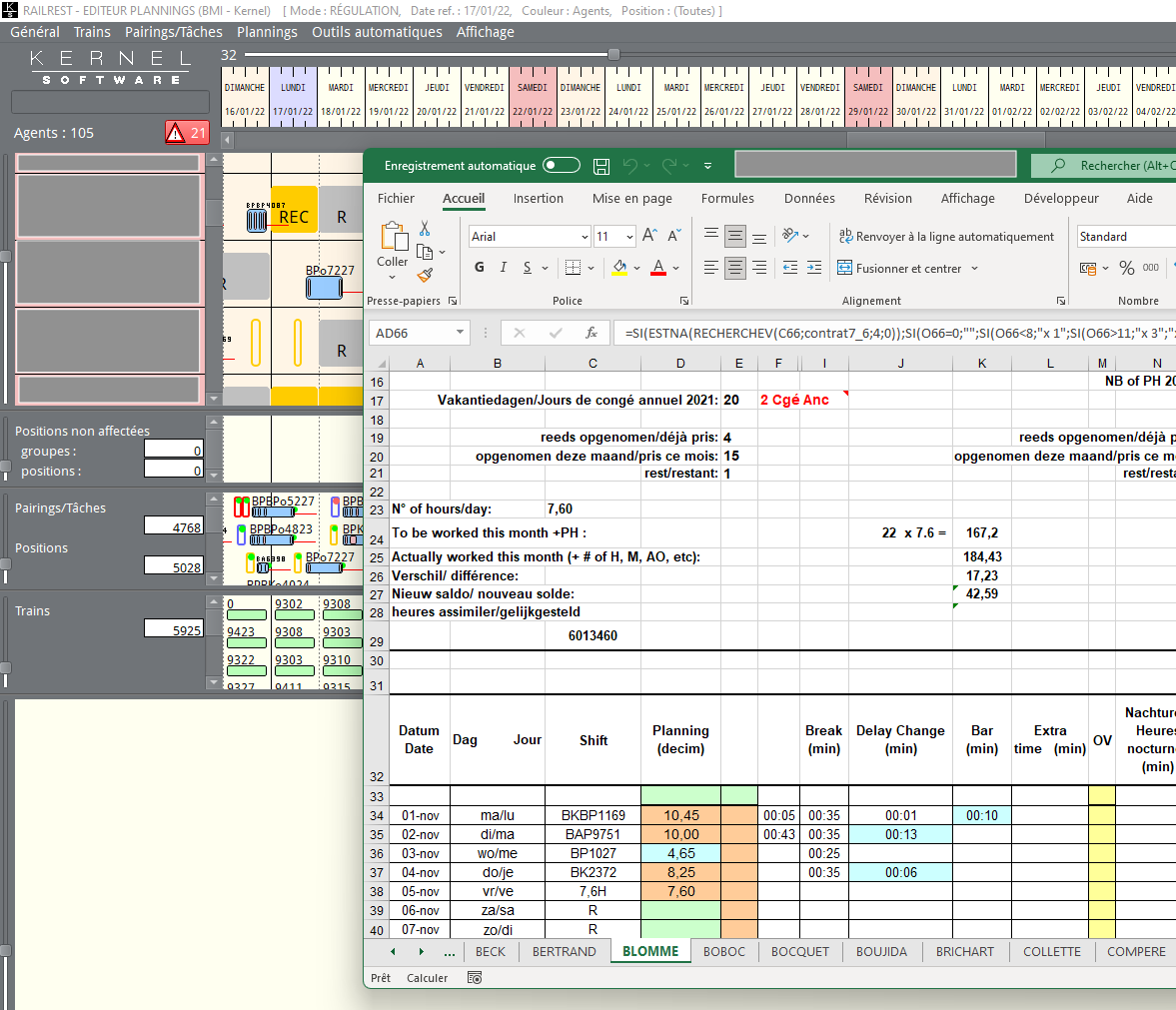
Excel Interfaces
MPG@Rail can provide data to Excel sheets managed by the user. Such Excel interfaces makes it possible to generated a variety of reports.
In pratice, the user displays in their personal workspace the set of crew-members a report will be about. This is done by specifying the relevant selection criteria, such as:
the applicable contract on a certain date
a leave during a certain month or rostering period
assignments to pairings with layovers
etc